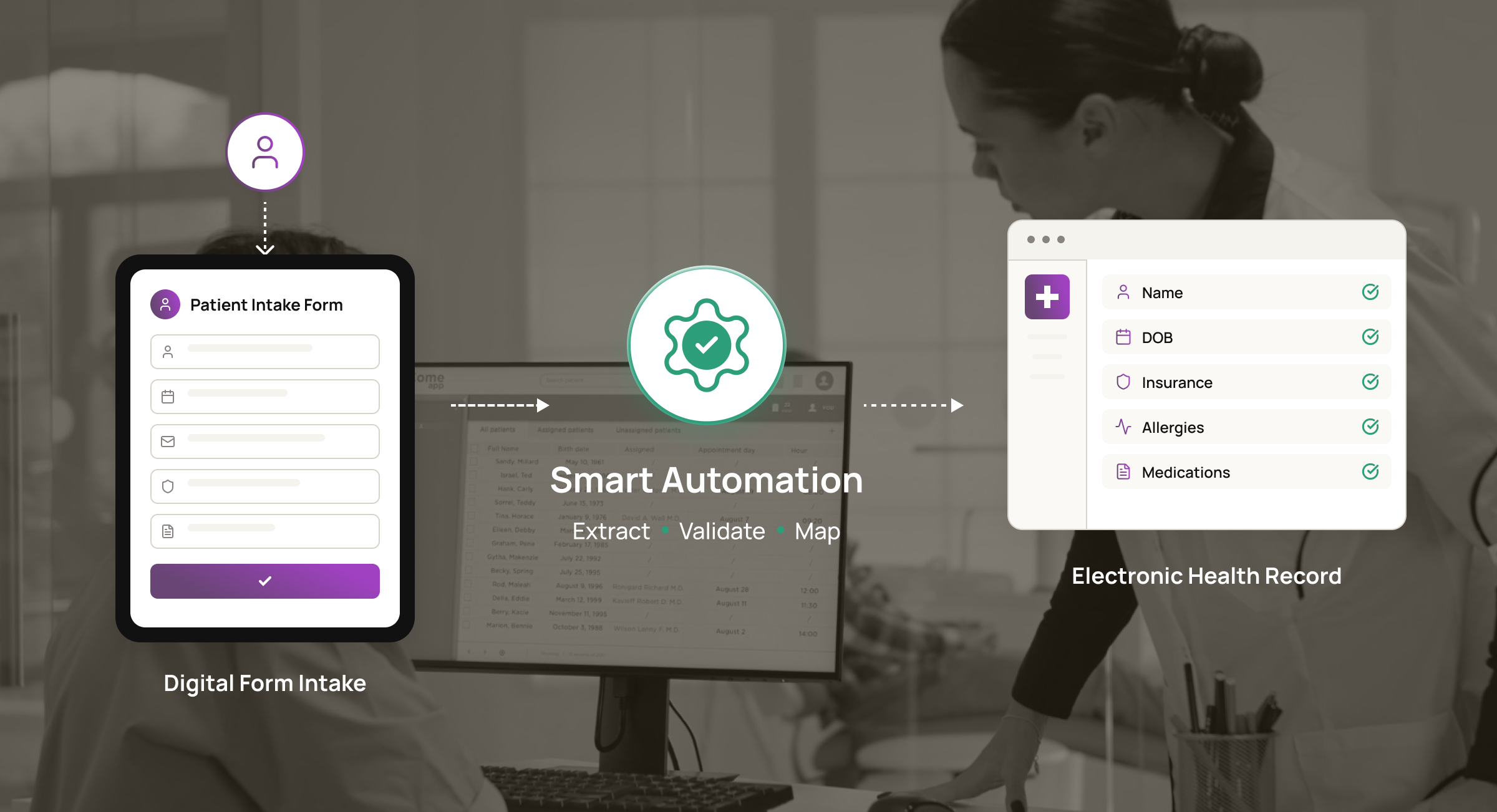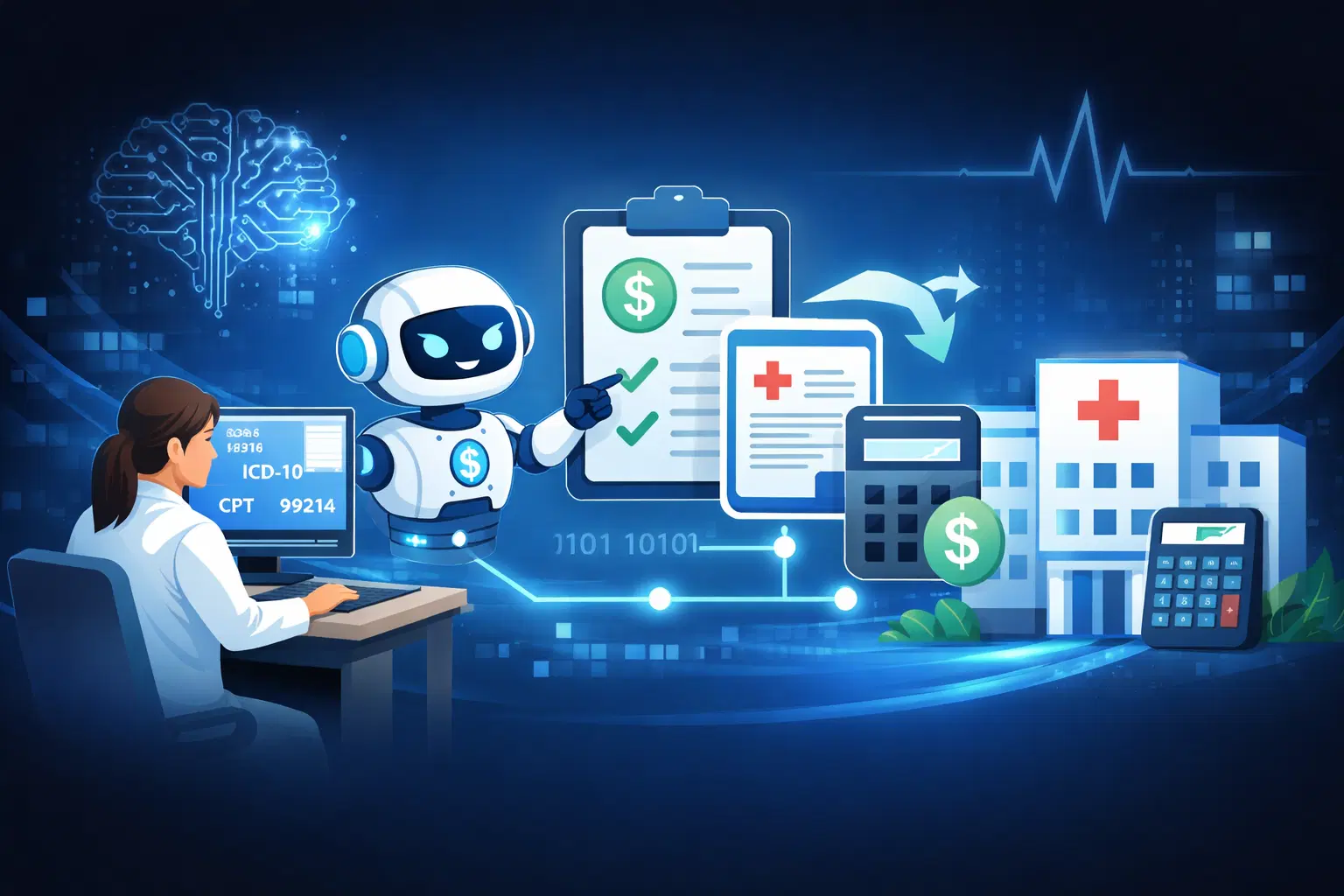
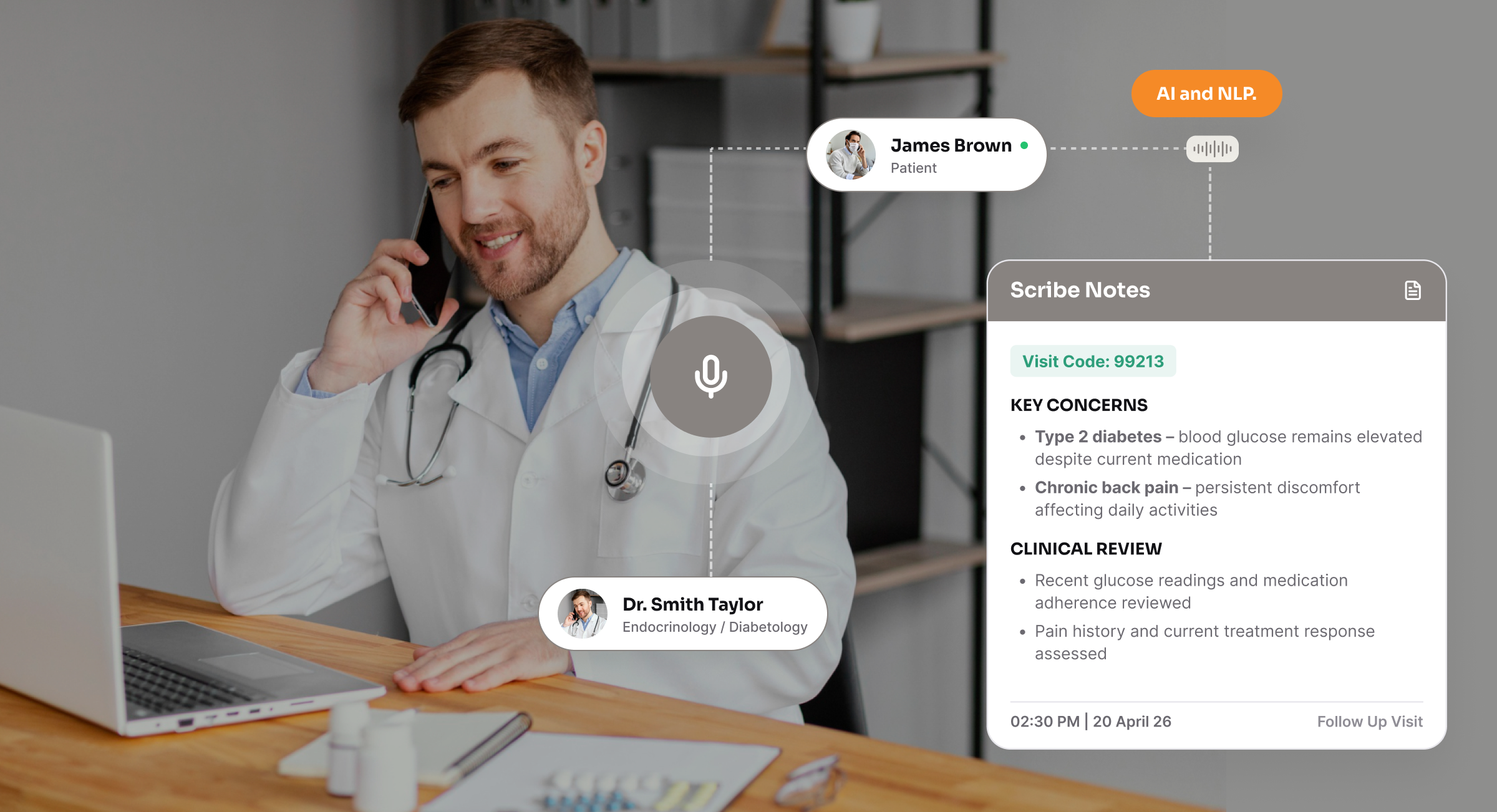
In this blog, you’ll learn how they work, what HIPAA-compliant documentation automation requires, where the ROI comes from, and how you can deploy scribes without any disruption.
Did you know nearly one in four clinicians spends more than eight hours a week on the EHR outside normal working hours?
Add the coding delays, the billing rework, and the charts that come back half-finished, and documentation becomes one of the heaviest loads your healthcare organization carries. So how do you minimize that workload?
With AI medical scribes. They convert clinical conversations into structured draft notes.
What’s the Real Cost of Manual Clinical Documentation?
In 2024, physicians worked an average of 57.8 hours a week, but only 27.2 of those hours went to direct patient care. Another 13 hours were spent on indirect patient-care activities such as order entry, test-result review, and referrals.
The cost continues into coding and reimbursement. In the 2024 reporting period, 10.3% of Medicare Fee-for-Service payments for Evaluation and Management services were improper, representing a projected $3.9 billion.
Incorrect coding made up 49.1% of those improper payments, while insufficient documentation represented 34.1% and missing documentation another 13.1%. CMS requires the medical record to support the CPT, HCPCS, and ICD-10-CM codes submitted for payment.
Wait, there’s a workforce cost as well. Documentation is one of the administrative burdens healthcare organizations address when tackling physician burnout.
For instance, if a physician leaves, the AMA estimates that replacing them can cost you $500,000 to $1 million or more in lost revenue when recruitment, onboarding, lost revenue, and the return to full productivity are considered.
Sure, human scribes can take some of the documentation work away from clinicians. However, scaling that model brings another set of costs. You still need to recruit, train, schedule, and retain enough people to support a growing clinical workforce.
That’s where AI enters the picture.
How Does an AI Medical Scribe Automate Clinical Documentation?
From the moment your clinician begins the encounter to the point the approved note reaches your EHR, the workflow typically moves through seven stages:
- The patient encounter begins. Your clinician opens the relevant patient and visits the context through a scribe application or an EHR-connected workflow.
- Audio is captured securely. The system records or streams the clinician-patient conversation according to your privacy, security, and applicable consent requirements.
- Speech becomes text. Automatic speech recognition transcribes the encounter, while speaker separation can distinguish between clinician and patient speech.
- Clinical information is identified. Natural-language processing detects relevant concepts such as symptoms, diagnoses, medications, allergies, procedures, and treatment plans.
- The draft note is generated. The AI organizes the information into a SOAP note, meaning Subjective, Objective, Assessment, and Plan, or another specialty-specific format. It can also structure elements such as the history of present illness, medication changes, assessment, and care plan.
- The clinician reviews the draft. Your clinician checks the note for accuracy and completeness, adds clinical judgment, and corrects any omissions or unsupported information.
- The approved note moves to the EHR. Once reviewed, the documentation can be transferred through the available EHR integration, reducing the need to recreate the same information manually.
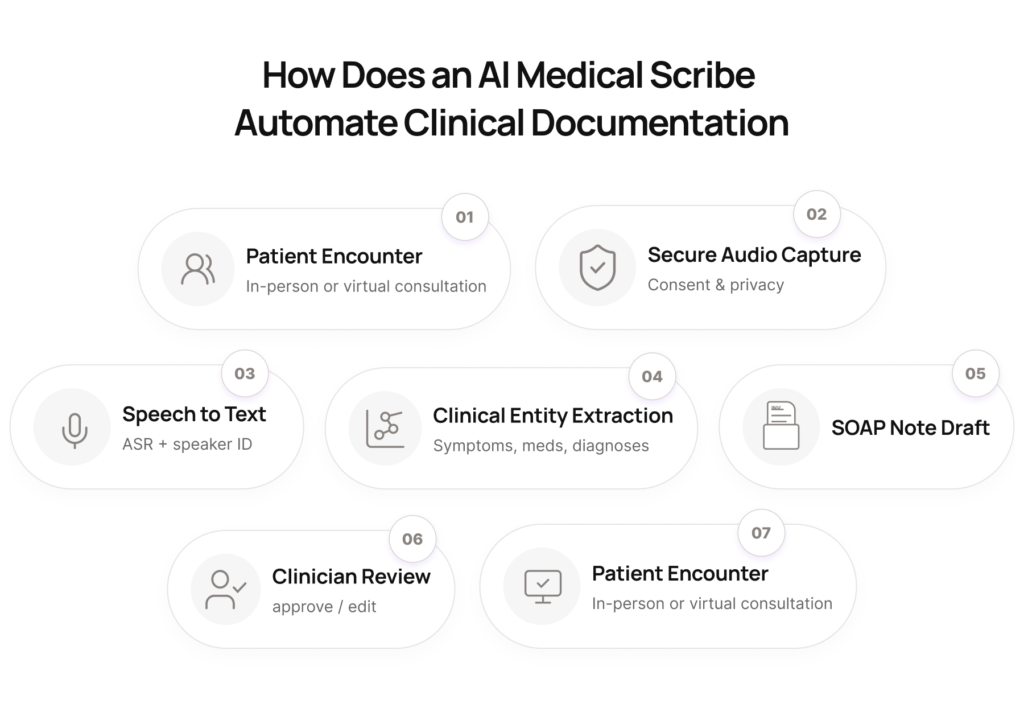
AI medical scribe architecture
To support those seven stages, your AI medical scribe setup should have six underlying layers:
| Layer | What it handles |
| Capture and context | Encounter audio, patient and visit identifiers, and secure transmission |
| Speech processing | Speech recognition, speaker separation, timestamps, and transcription |
| Clinical language processing | Identification of symptoms, diagnoses, medications, procedures, and other clinical concepts |
| Note generation and validation | SOAP or specialty-specific note generation, clinician review, edits, and approval |
| EHR integration | Patient and encounter matching, note transfer, and API or EHR-specific connectivity |
| Security and governance | Access controls, encryption, audit logs, retention, monitoring, and policy enforcement |
FHIR can support part of the integration layer because it provides a standard for exchanging healthcare information electronically. Your implementation may still need proprietary EHR interfaces or vendor-specific APIs.
What Does HIPAA-Compliant AI Documentation Require?
You should treat any “HIPAA-compliant” claim made by an AI scribe vendor as something to verify closely. The HHS Office for Civil Rights (OCR) doesn’t certify or endorse specific technology products as HIPAA compliant.
If the scribe creates, receives, maintains, or transmits PHI on your behalf, you need visibility into where that data goes, who can access it, how long it is retained, and which third parties are involved. Here are the key areas to check before you implement it:
1. Business Associate Agreement (BAA)
Make sure your vendor will sign a BAA that defines permitted uses and disclosures of PHI, safeguards, breach reporting, subcontractor responsibilities, and what happens to PHI when the agreement ends.
2. PHI encryption
Check how ePHI is protected in transit and at rest, along with key management and backups. The current Security Rule requires you to assess security measures through risk analysis; HHS has separately proposed making encryption of ePHI at rest and in transit explicitly required, with limited exceptions.
3. Access and authentication
Verify unique user identification, authentication, role-based permissions, administrative access, and procedures for removing access when it is no longer required.
4. Audit logging
Make sure you can record and examine activity in systems that contain or use ePHI, including access and other events you may need to investigate.
5. Cloud providers and subprocessors
Identify the cloud, storage, model, and infrastructure providers that may handle PHI. Where those providers qualify as business associates or subcontractors, the appropriate agreements and safeguards need to extend through that chain.
6. Data retention and deletion
Define how long audio, transcripts, drafts, logs, and backups are retained and how they are returned or destroyed when services end. HIPAA does not prescribe a general medical-record retention period, so state and other applicable requirements may also apply.
7. Use of data for AI training
Ask whether PHI, transcripts, prompts, outputs, or derived data can be used for model training, fine-tuning, evaluation, or product improvement. Your BAA should limit the vendor’s use of PHI to what the agreement and applicable law permit.
8. Clinician review
Keep a clinician in the approval workflow so AI-generated documentation can be checked for accuracy and completeness before it becomes part of the final medical record. This is a clinical governance safeguard rather than a stand-alone HIPAA requirement.
You also need a contingency plan.
If the AI service, EHR connection, or another system involved in documentation becomes unavailable, your clinicians still need a reliable way to access ePHI and complete the record. The HIPAA Security Rule requires you to protect the confidentiality, integrity, and availability of ePHI, which means evaluating the AI scribe as part of your wider security and risk-management environment.
ROI: Where Healthcare Providers Save Time and Money
For your healthcare organization, ROI typically comes from: time recovered, revenue impact, and documentation costs reduced:
1. Lower documentation-support costs
You can reduce spend on human scribes, transcription, overtime, or other documentation support where AI genuinely replaces part of the existing workload.
KLAS found that organizations using ambient AI commonly saw improvements in clinician efficiency and burnout measures, which can also influence retention.
2. Less time spent on documentation
A 2025 UCLA Health trial involving 238 physicians found that AI scribe users reduced note-writing time by 9.5% more than the control group. That gives you a direct metric to track against your own documentation baseline.
3. More capacity for patient care
A 2026 UCSF study found AI scribe adopters completed 0.80 more encounters per week than non-adopters. Across 100 clinicians working 48 weeks, that would equal about 3,840 additional encounters annually, if your clinicians use the recovered time to increase patient capacity.
4. Better financial productivity
The same UCSF study found 1.81 additional RVUs per physician per week, worth roughly $3,044 annually per physician using the 2025 Medicare Physician Fee Schedule, without an increase in claim denials.
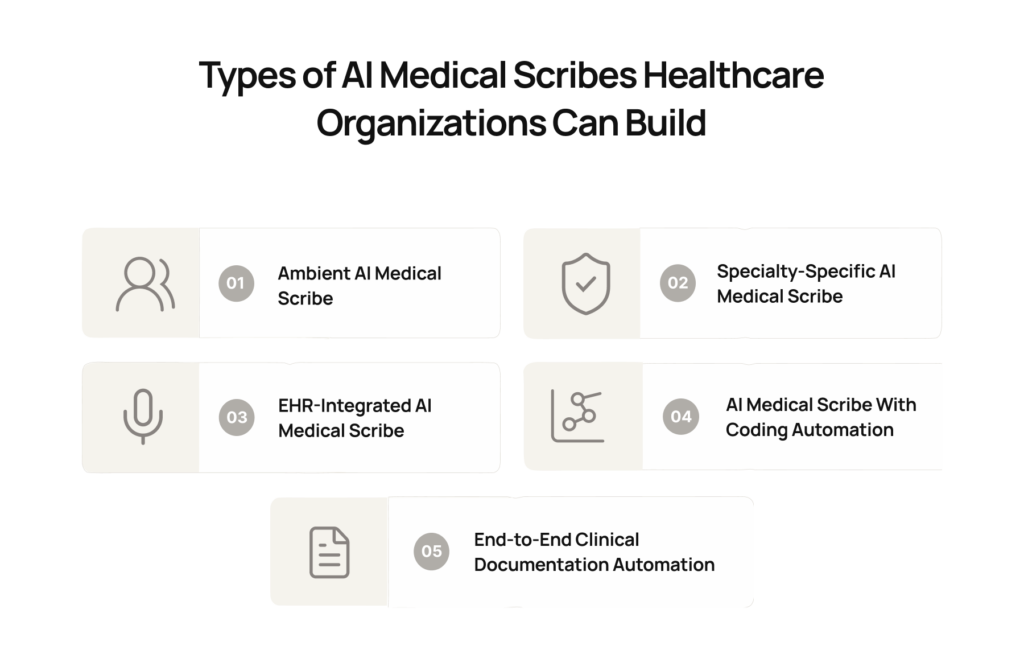
How to Successfully Implement an AI Medical Scribe Without Disrupting Clinical Workflows
Now that you know about AI medical scribes, the next step is to implement them. We recommend starting with a single department or specialty pilot rather than rolling AI medical scribes out across your organization at once.
Before you automate anything, you would map your current documentation workflow from the patient encounter through coding and billing. Identify manual handoffs, bottlenecks, exceptions, and dependencies that the workflow automation will need to handle.
During the pilot, keep your existing documentation process running alongside AI-generated drafts for a defined validation period. Your clinicians can compare outputs, measure the editing required, and confirm that the system performs reliably in your clinical environment.
Establish a manual fallback route from day one, so an outage, integration failure, or incomplete AI-generated note never prevents a clinician from completing the medical record.
At Intuz, we recommend treating a three-to-six-month documentation-to-billing automation timeline as a working estimate, not a fixed commitment. The timeline will depend on EHR complexity, security reviews, specialty requirements, and downstream integrations.
If you’re evaluating AI medical scribes, book a free consultation with Intuz and get a complimentary workflow automation roadmap from our team.
FAQs
Should we build a custom AI scribe or buy an off-the-shelf product?
Buy if your specialties are common and your EHR integration is standard. Build when your documentation workflow includes downstream steps a product won’t touch: charge capture, prior auth, referral routing, or a non-standard EHR.
What drives the cost of custom AI scribe development?
Four things: EHR integration depth, specialty note templates, whether downstream coding and billing steps are in scope, and your compliance posture. A read-only pilot costs a fraction of full write-back with charge capture.
How long does it take to implement an AI medical scribe workflow?
A focused AI medical scribe pilot can often be implemented faster than an enterprise-wide deployment. Timeline depends on EHR integration, workflow complexity, security requirements, specialty-specific templates, testing, and clinician validation. A production rollout should include a controlled pilot before scaling.
Can AI medical scribe automation integrate directly with our EHR?
Yes. Custom AI scribe workflows can connect with EHRs through FHIR, APIs, SMART-on-FHIR, or vendor-specific interfaces. The automation can handle patient matching, encounter context, structured note generation, validation, and transferring approved documentation into the appropriate EHR record.
What parts of clinical documentation can be automated beyond AI note generation?
A workflow can automate much more than transcription and SOAP-note creation. Depending on the system, automation can handle encounter identification, clinical data extraction, note formatting, validation, coding support, EHR write-back, routing, exception handling, audit logging, and downstream documentation workflows.