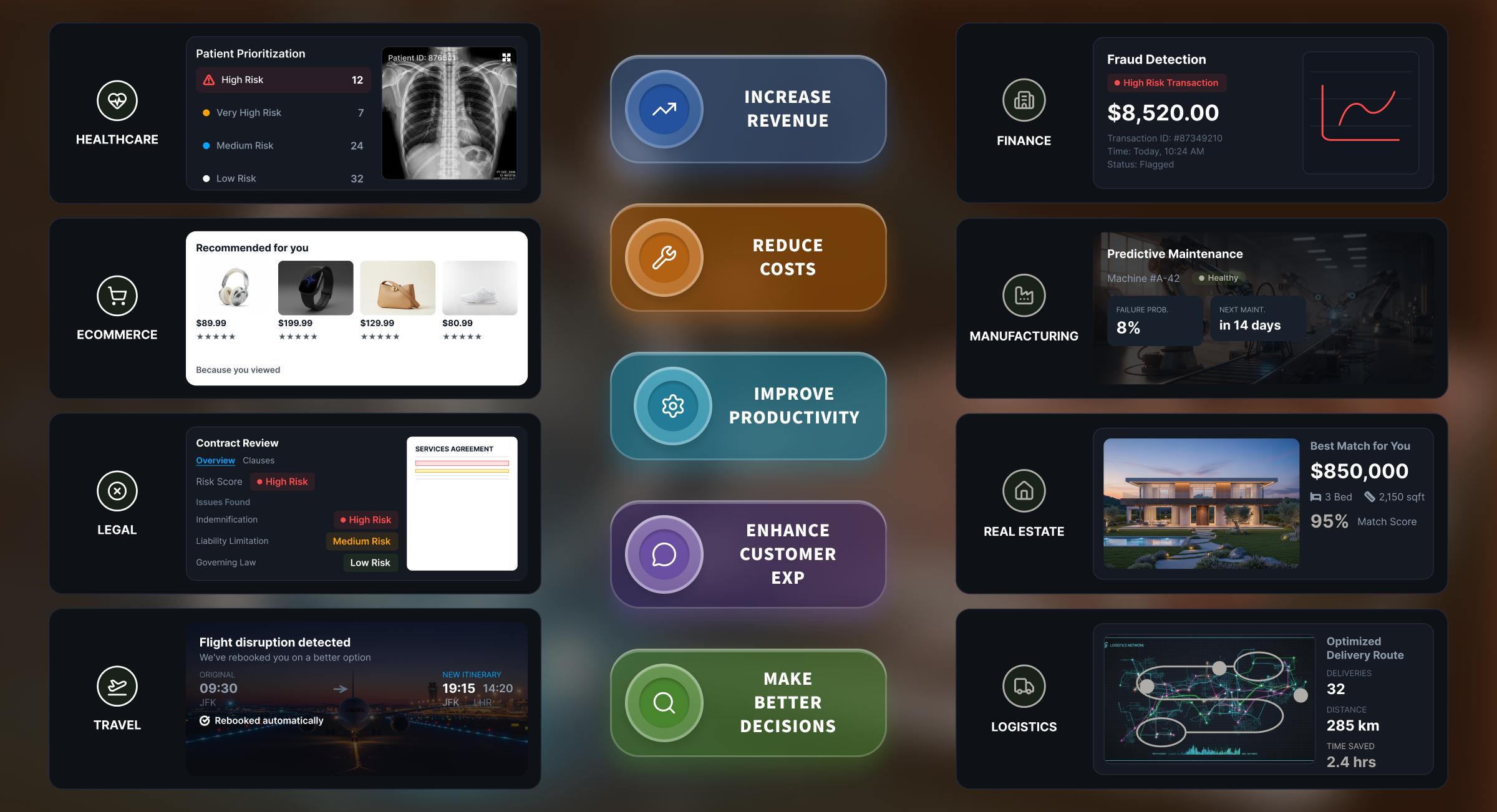
This guide explains where to start, what to skip, what the process can cost, how to calculate ROI, and how to implement AI automation without unnecessary complexity. But first, let’s tackle a very important question.
Imagine paying more than $1,000 a month for automation tools while your team still loses 36 hours every week entering Shopify orders by hand. That was QuickShift, a logistics company processing more than 12,000 shipments a month across eight cities.
QuickShift’s subscriptions had left its order-entry workflow untouched. Most small businesses overspend in the same way: they pay for tools that never reach the work consuming their team’s time. There’s a robust fix to this, and it’s called AI automation.
Does the Workflow Actually Need AI?
To put it simply, AI makes sense only if one or more steps in a workflow require interpretation. If every step can be expressed as a clear instruction, standard automation is enough.
For example, it can send an invoice above $5,000 for approval or notify a customer when a payment fails. AI becomes useful when the next action depends on interpreting variable information, such as understanding an email request or locating details in a PDF.
Many workflows combine the two, with AI interpreting the input and workflow automation completing the predictable actions that follow.
The Best Areas to Automate First in a Small Business
Use the following areas as starting points. Within each one, prioritize work that happens frequently, follows repeatable steps, draws from a known set of inputs, consumes measurable staff time, and ends in a result you can track.

1. Lead intake and follow-up
If enquiries arrive through several channels and your team manually qualifies each one, enters the details into the CRM, and assigns it to the appropriate salesperson, you have a good candidate for AI automation.
The workflow can capture the information, apply your qualification criteria, update the CRM, route the lead, and prepare an initial response. Your sales team can review high-value or uncertain leads, while you measure the change in response/qualification time and conversions.
2. Document analysis and data extraction
If your team repeatedly reads PDFs, emails, forms, or scans and transfers the required information into another system, automation could help.
AI can identify the document type, extract relevant fields, check the results against confidence thresholds, and send unclear cases for review.
Careonix, another Intuz client, demonstrates how this works with variable inputs. The home health provider processed physician orders and CMS forms across more than 20 document types.
AI-powered OCR classified documents, extracted data, and verified signatures with over 90% accuracy. One workflow fell from five minutes to 30 seconds, and the client reported approximately $250,000 in annual savings.
3. Customer support
A support queue dominated by recurring questions or requests that follow predictable routing and resolution steps offers a strong starting point. AI can identify the topic, retrieve approved information, prepare a response, and assign the request to the appropriate team.
Your staff can handle complaints, refunds, policy exceptions, and sensitive conversations. Measure the results through first-response/resolution time, escalation rate, and customer satisfaction.
4. Back-office administration workflows
Across order, invoicing, inventory, reporting, and approval systems, repeated data entry can consume substantial staff time. Automation can synchronize records, generate documents, send notifications, and flag exceptions that require attention.
Your team can review discrepancies and approve cases that require judgment. Track the hours recovered, processing time, error rate, and cost per transaction.
| Area | Worth automating when | Likely starting approach |
|---|---|---|
| Lead intake | Staff manually qualifies and enters leads | Standard automation, integrations, and AI extraction where needed |
| Document processing | Staff reads and transfers recurring documents | OCR, AI extraction, validation, and review |
| Customer support | Repetitive requests dominate the queue | Classification, retrieval, drafting, and routing |
| Back-office administration | Staff repeatedly enters the same data across systems | Workflow orchestration and system integrations |
What Small Businesses Should Not Automate First
Delay automation when a workflow has any of these characteristics:
- It happens too infrequently. One-off requests, occasional administrative tasks, and annual processes may not recover the cost of implementation and maintenance.
- The source data is incomplete or inconsistent. Missing fields, conflicting records, and unreliable formats will generate errors and exceptions.
- You can’t measure its current performance. Without a baseline for time, cost, errors, or delays, you cannot determine whether automation created value.
- The decision carries serious consequences. Employment, credit, safety, compliance, and similar decisions require an authorized person to review the recommendation.
- The underlying process is unstable. Frequent changes, duplicate steps, unclear ownership, and unofficial workarounds should be resolved before implementation.
Air Canada shows what can happen when these controls are missing. Its chatbot gave a customer incorrect instructions for claiming a bereavement fare.
In the 2024 decision Moffatt v. Air Canada, the British Columbia Civil Resolution Tribunal found the airline liable for negligent misrepresentation and ordered it to pay C$812.02, including damages, interest, and tribunal fees.

How Much Does AI Automation Cost a Small Business
Once you’ve chosen a workflow, budget for four cost layers together: the platform, implementation, AI usage, and maintenance. Subscription costs alone can appear modest.
JPMorganChase analyzed payments by 4.6 million small businesses and found that median monthly spending on paid AI services was approximately $28 in 2025. The study excludes custom development, free tools, and AI capabilities included in other software.

For a broader estimate, the planning ranges below draw on Intuz’s workflow automation cost analysis, which combines freelancer and agency benchmarks with tool pricing pages and user forums.
| Cost layer | Estimated cost | What affects it |
| Platform | $20 to $500+ per month | Choice of n8n, Make, Zapier, or API-based infrastructure; hosting, users, workflow volume, and connectors |
| Implementation | $500 to $2,000 for 1 to 2 basic workflows; $2,000 to $8,000 for 3 to 10 moderate workflows; $8,000 to $20,000+ for complex implementations | Number of systems, workflow logic, integrations, custom development, testing, and compliance requirements |
| AI usage | Usage-based, with charges calculated by tokens, documents, images, audio minutes, or another processing unit | Model and API provider, processing volume, input size, document or media volume, and inference frequency |
| Maintenance | $200 to $1,500 per month | Monitoring, workflow or model changes, troubleshooting, ongoing support, and scaling |
Based on these benchmarks, your first-year cost may range from approximately $3,000 to $5,000 for one or two straightforward workflows to more than $25,000 for an implementation spanning several systems.
The final amount increases with the integrations, decision logic, exceptions, and maintenance involved.
Hidden costs of AI automation that don’t appear in the initial quote
After reviewing the platform and implementation charges, check whether the following costs have been included:
- Data preparation and exception testing: Intuz’s general benchmark for expert support is $50 to $150 per hour. The total depends on the quality of your source data and the number of scenarios that require testing. Before hiring an AI automation consultant at these rates, compare what each engagement phase should cost.
- Human review: Low-confidence outputs and unresolved exceptions will continue to require staff attention. Estimate this cost by multiplying monthly review hours by your total hourly employment cost.
- Training and handover: Allow approximately $300 to $2,000 as a one-time expense, depending on the number of users and the documentation required.
How to Measure AI Automation ROI
By this point, you’ve chosen a workflow, identified what to measure, and estimated the implementation cost. Now you need to determine whether the value you recover justifies that investment. Here’s what to do:
Step 1: Establish the baseline
Choose a representative month and calculate what the workflow costs you now. Add the staff time, errors, rework, overtime, and any revenue you can document losing through delays.
Calculate labor cost by multiplying the hours spent on the workflow by your total hourly employment cost. Count recovered hours only when you can redirect that capacity to additional work, reduce overtime, avoid hiring, or increase output.
Step 2: Measure after automation
During the pilot, continue tracking the business KPI you selected earlier. Add the exception rate, human review time, and recurring automation costs. If transaction volume changes, compare the cost or time per transaction.
Step 3: Calculate ROI
Start with the value the workflow creates each month:
Monthly net benefit = Labor value recovered + Error costs avoided + Attributable revenue gains – Recurring automation costs
Include revenue gains only when you can connect them to evidence such as faster lead responses, additional processing capacity, or fewer abandoned transactions.
Then calculate ROI across your chosen measurement period:
ROI = (Net benefit / Total automation costs) × 100
Say your implementation costs $6,000 and your monthly figures look like this:
| Monthly cost | Before automation | After automation |
|---|---|---|
| Staff time | 80 hours × $30 = $2,400 | 20 hours × $30 = $600 |
| Errors and rework | $500 | $200 |
| Recurring automation | $0 | $400 |
| Total | $2,900 | $1,200 |
Your monthly cost falls from $2,900 to $1,200, giving you a monthly net benefit of $1,700. Over the first year, labor and error-related benefits total $25,200, while automation costs total $10,800, including the $6,000 implementation and $4,800 in recurring charges.
Your first-year net benefit is $14,400, producing an ROI of approximately 133%.
How to Implement AI Automation: The Intuz Approach
You know what to automate and what success looks like; proper implementation determines whether the idea delivers. That’s where Intuz enters the picture — we’re a US-based AI automation agency with 16+ years of experience and more than 54 AI systems in production.
We’ll map your workflow’s triggers, systems, approvals, exceptions, and AI integrations, then launch and test a focused pilot before scaling it.
Our team will select the appropriate technology based on workflow complexity, data sensitivity, processing volume, and your team’s technical capacity.
Depending on those requirements, the implementation could use n8n, Zapier, Make, custom APIs, or a purpose-built AI agent.
Work will proceed in short sprints with scheduled check-ins, giving you regular opportunities to review progress. Before wider deployment, we’ll test the automation against real records, edge cases, system failures, and human review paths.
Intuz also works within your cloud environment and access policies, supports the initial deployment, and provides the documentation your team needs to manage the automation. You retain full ownership without vendor lock-in.
Want to confirm you’re investing in the right workflow? Request a free 45-minute AI Automation Readiness Assessment to identify three to five high-ROI opportunities and plan your first pilot.
FAQs
How much does AI automation cost a small business?
Budget for four layers: platform ($20–$500+/month), implementation ($500–$20,000+ depending on complexity), usage-based AI costs, and maintenance ($200–$1,500/month). First-year totals typically range from $3,000–$5,000 for simple workflows to $25,000+ for multi-system builds.
How long does it take to implement AI automation?
Simple workflows can launch in days to weeks; complex, multi-system implementations take longer. Intuz works in short sprints with scheduled check-ins, testing a focused pilot against real records and edge cases before scaling — keeping timelines predictable rather than open-ended.
What ROI can small businesses expect from AI automation?
ROI varies by workflow, but one Intuz example showed a $6,000 implementation generating $14,400 net benefit in year one — roughly 133% ROI. Calculate it as (Net benefit / Total automation costs) × 100, using labor savings, error reduction, and recovered revenue.
Which small business workflows should be automated first?
Start with lead intake and follow-up, document analysis and data extraction, customer support, and back-office administration. Prioritize tasks that happen frequently, follow repeatable steps, consume measurable staff time, and produce trackable results — these deliver the fastest, clearest returns.
What workflows should small businesses avoid automating first?
Skip infrequent, one-off processes, workflows with incomplete or inconsistent data, and tasks without a measurable current baseline. Also delay automating high-stakes decisions (employment, compliance, safety) and unstable processes with frequent changes — fix the process before automating it.
What hidden costs come with AI automation projects?
Beyond platform and implementation fees, budget for data preparation and exception testing ($50–$150/hour), ongoing human review of low-confidence outputs, and training/handover ($300–$2,000 one-time). These rarely appear in initial quotes but directly affect total first-year cost.
Does every automation project need AI, or just standard automation?
Only if a step requires interpreting variable input, like reading an email or extracting PDF data. If every step follows a clear, fixed instruction, standard workflow automation is sufficient and cheaper — many workflows combine both, using AI for interpretation and automation for the predictable steps.
How does Intuz implement AI automation for small businesses?
Intuz maps your workflow’s triggers, systems, and exceptions, then selects the right technology — n8n, Zapier, Make, custom APIs, or a purpose-built agent — based on complexity and data sensitivity. A tested pilot runs before wider rollout, with full documentation and no vendor lock-in.
Work with Intuz
Need AI automation for your business?
Let's book 45-minute free consultation call with Intuz.
Let's Get Started
Share this article