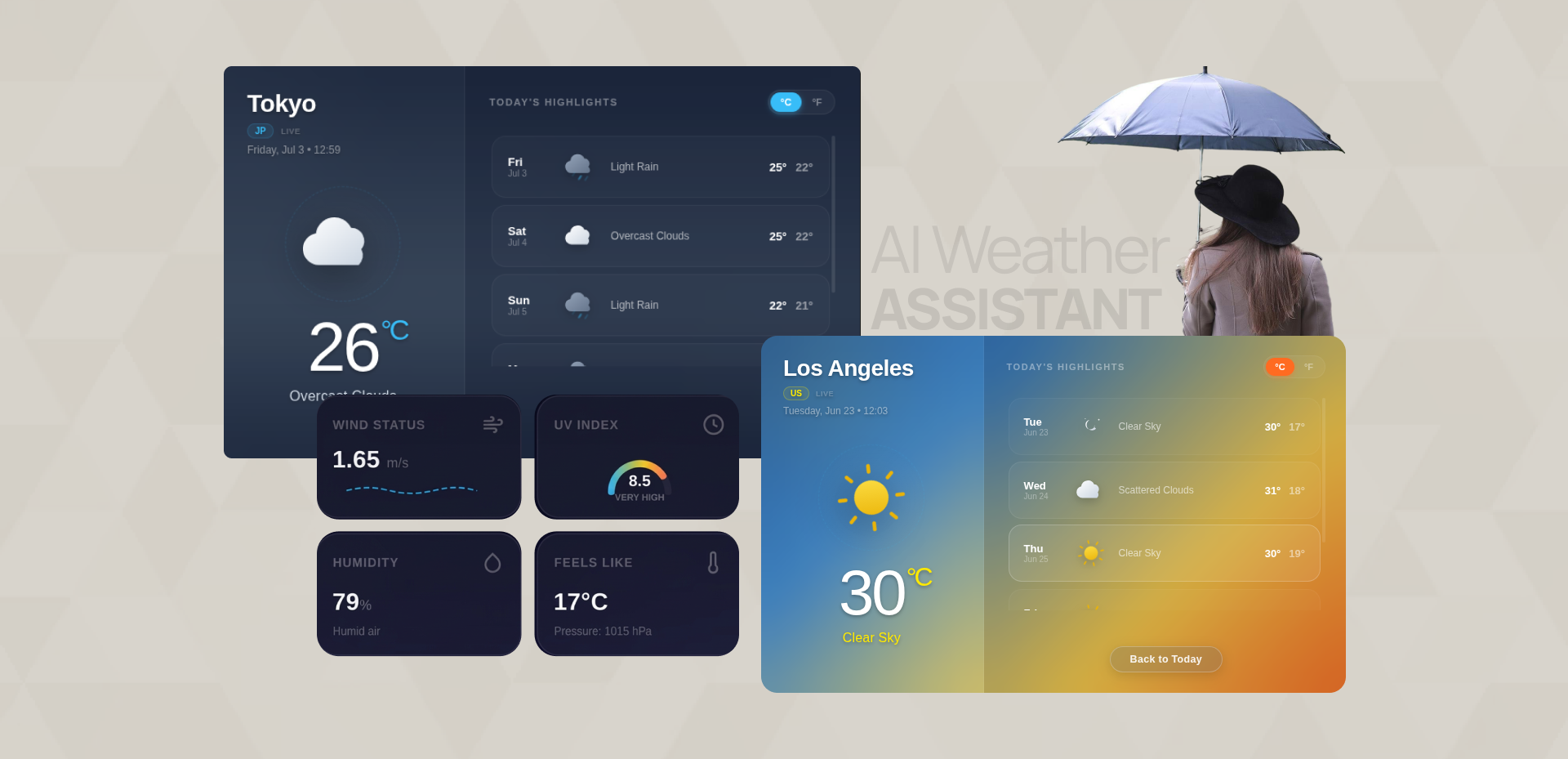
Your AI Weather Assistant
WeatherLens brings live weather intelligence straight into your AI conversations, real-time conditions, 5-day forecasts, and instant answers to questions like “will it rain today?” or “do I need a jacket?” No app-switching, no manual lookups, just accurate, up-to-the-minute weather whenever you ask.
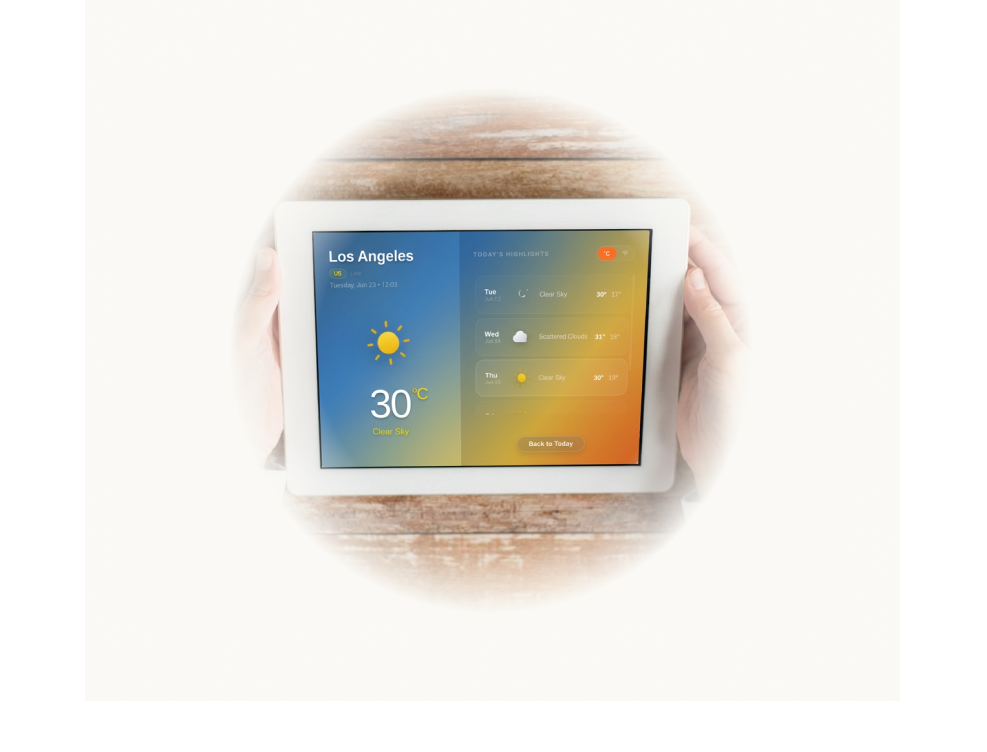
How to use as Claude Connector
- Open Claude Web at claude.com
- Go to Settings → Connectors → Add → Browse connectors
- Find WeatherLens and click Connect
- WeatherLens is now available in Claude Web! Go to Connectors → Interactive Tools and enable “Always Allow” so the map tool runs automatically whenever MCP is used.
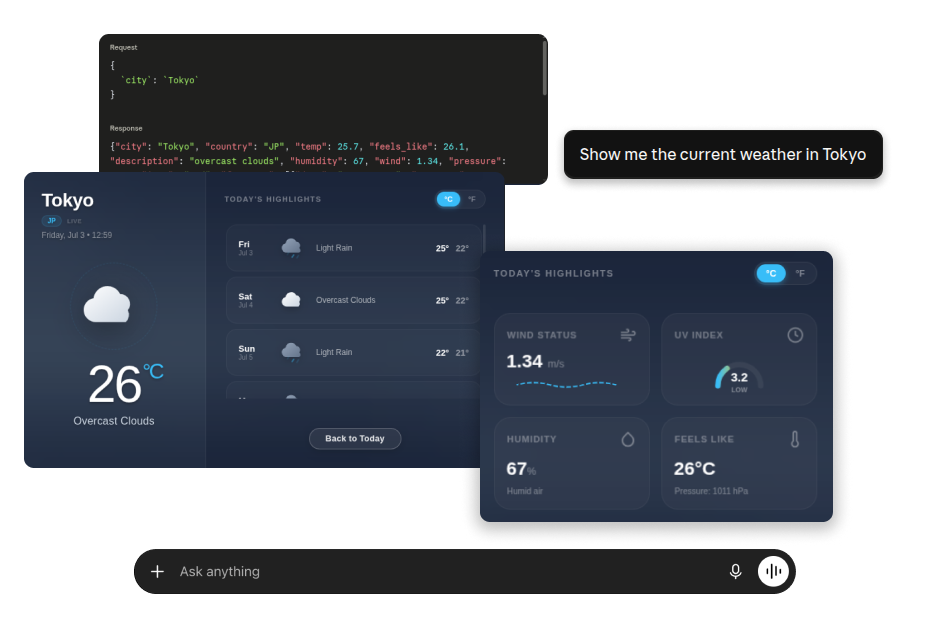
- WeatherLens is now available in your Claude Web conversations — try asking “Show me the current weather in Tokyo”
Server URL:
https://mcp.intuz.net/weatherlens/mcp
(This URL is automatically configured when you add the connector from Claude.)
How to use as ChatGPT App
- Open ChatGPT Web at chatgpt.com
- Go to Settings → Plugins → Browse Plugins
- Find WeatherLens and click Connect
- In any chat, click the + icon, select WeatherLens, and you’re ready to start using it.
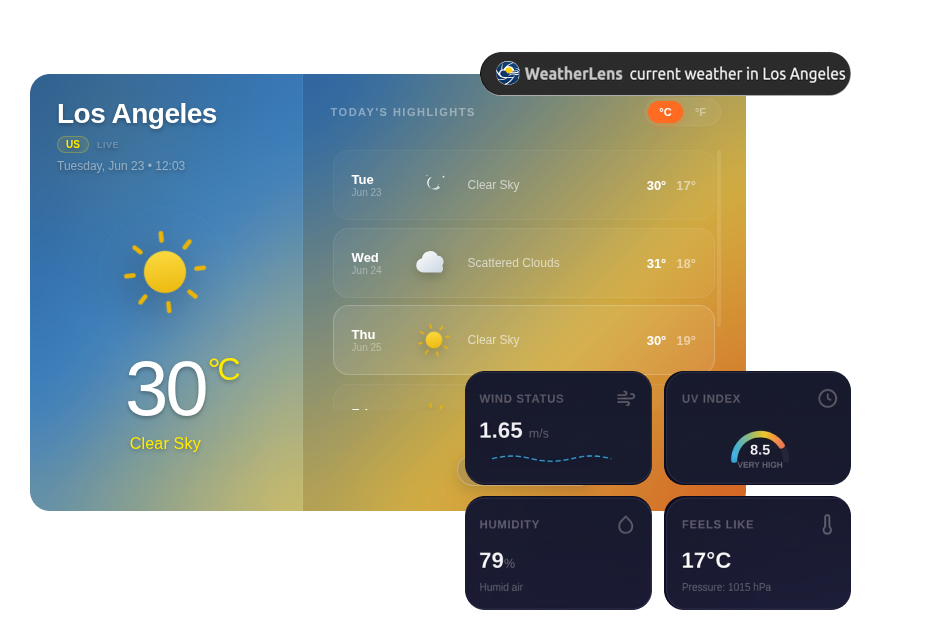
- WeatherLens is now available in your ChatGPT Web conversations