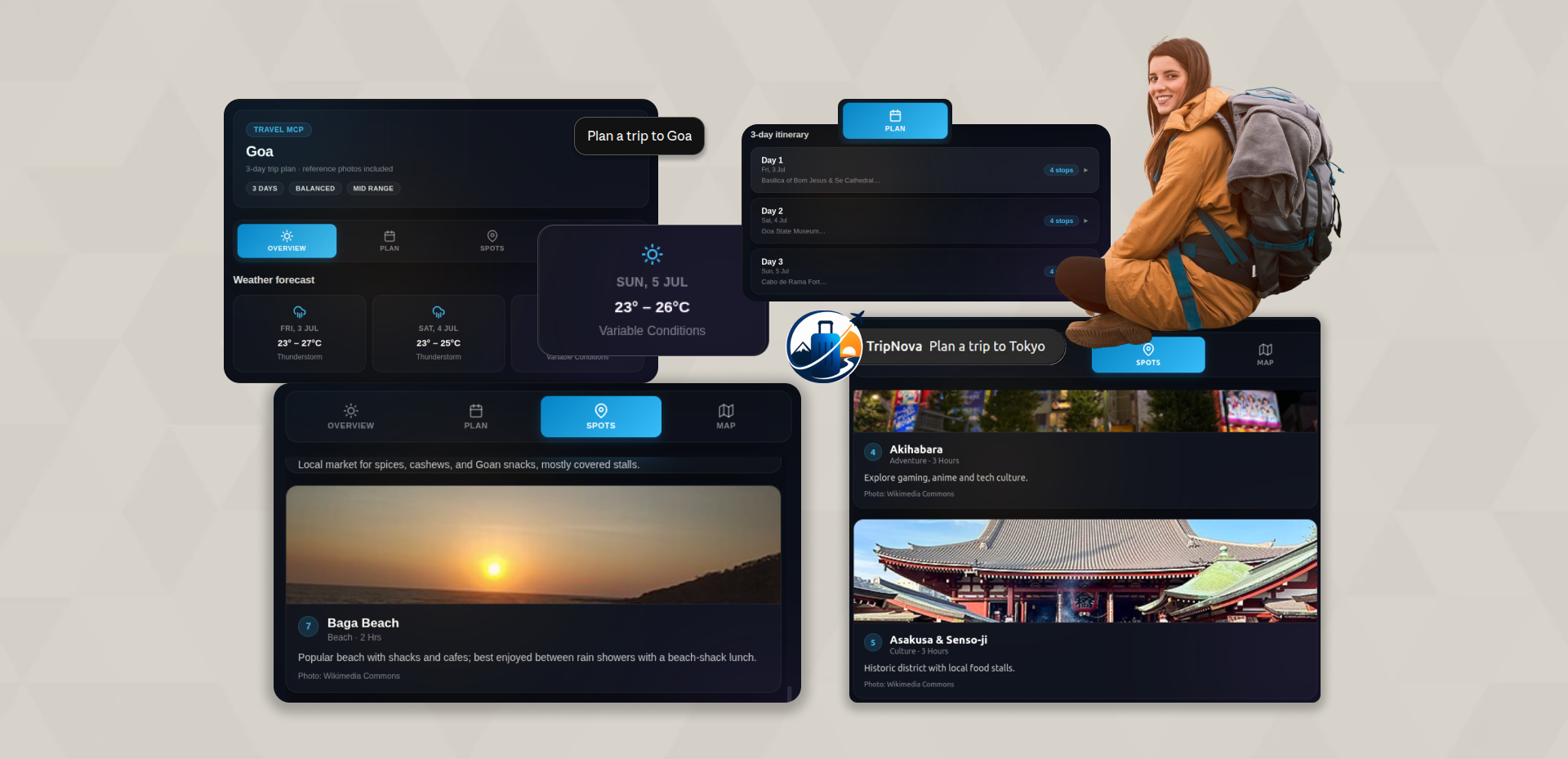
Your AI Trip Planning Assistant
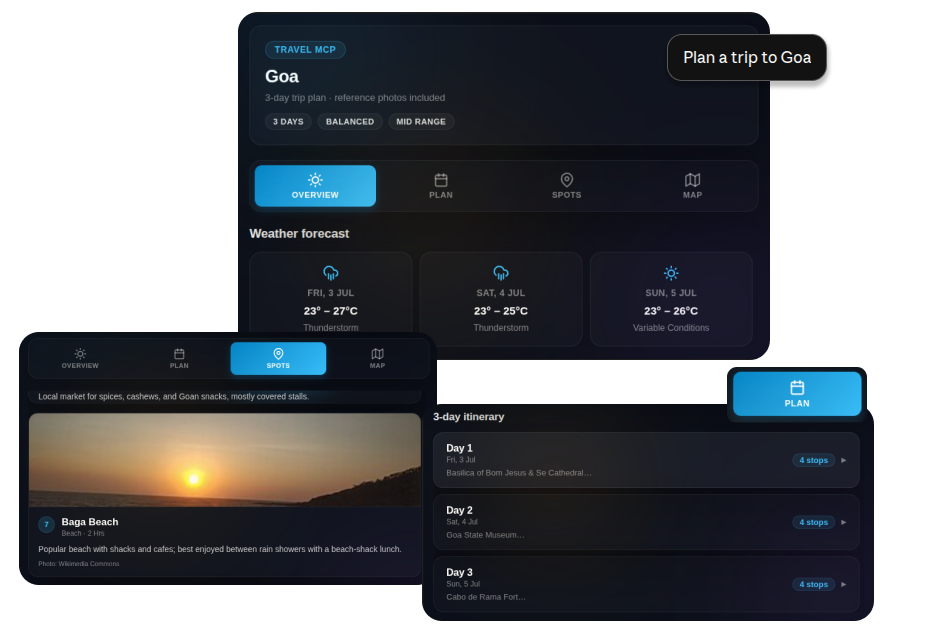
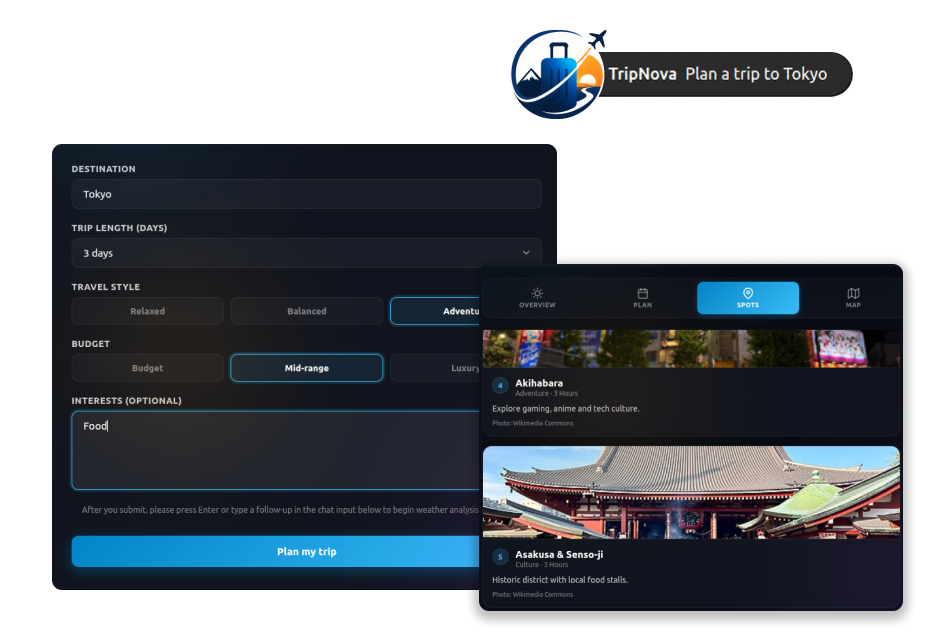
TripNova turns a simple prompt into a fully planned trip. Powered by AI, it builds personalized day-by-day itineraries, pulls live weather for your destination, and recommends top spots with reference photos, all rendered in an interactive travel dashboard you can explore, tweak, and take with you.

How to use as Claude Connector
- Open Claude Web at claude.com
- Go to Settings → Connectors → Add → Browse connectors
- Find TripNova and click Connect
- You can now use TripNova in Claude Web. Open Connectors → Interactive Tools and turn on Always Allow for a seamless MCP experience.
- TripNova is now available in your Claude Web conversations — try asking “Plan a trip to Tokyo”
Server URL:
https://mcp.intuz.net/tripnova/mcp
(This URL is automatically configured when you add the connector from Claude.)
How to use as ChatGPT App
- Open ChatGPT Web at chatgpt.com
- Go to Settings → Plugins → Browse Plugins
- Find TripNova and click Connect
- Launch TripNova by clicking the + icon in any chat and selecting it from the menu.
- TripNova is now available in your ChatGPT Web conversations