How to update WordPress app?
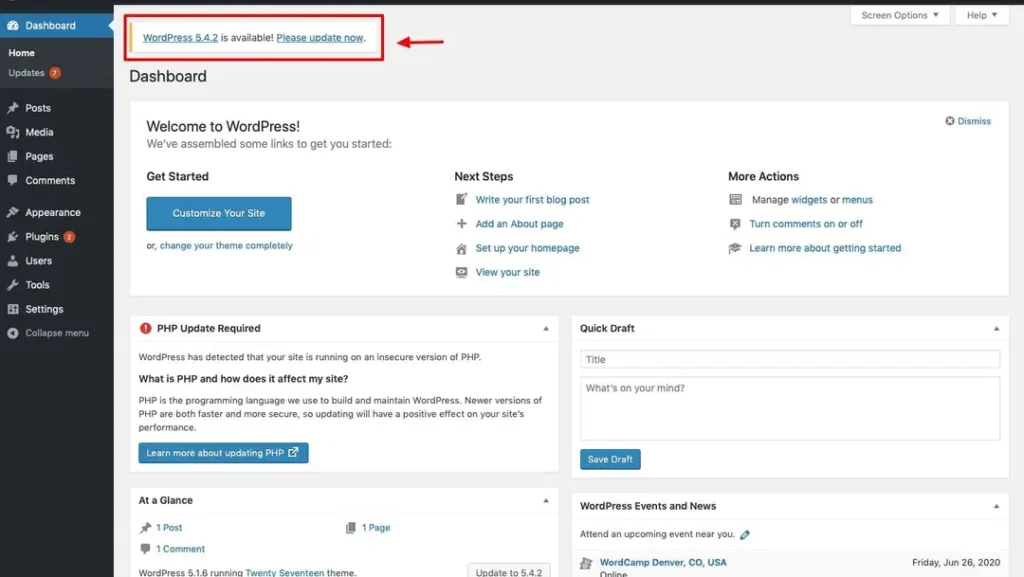
1. Log in to the WordPress application. You can see the WordPress update notification.
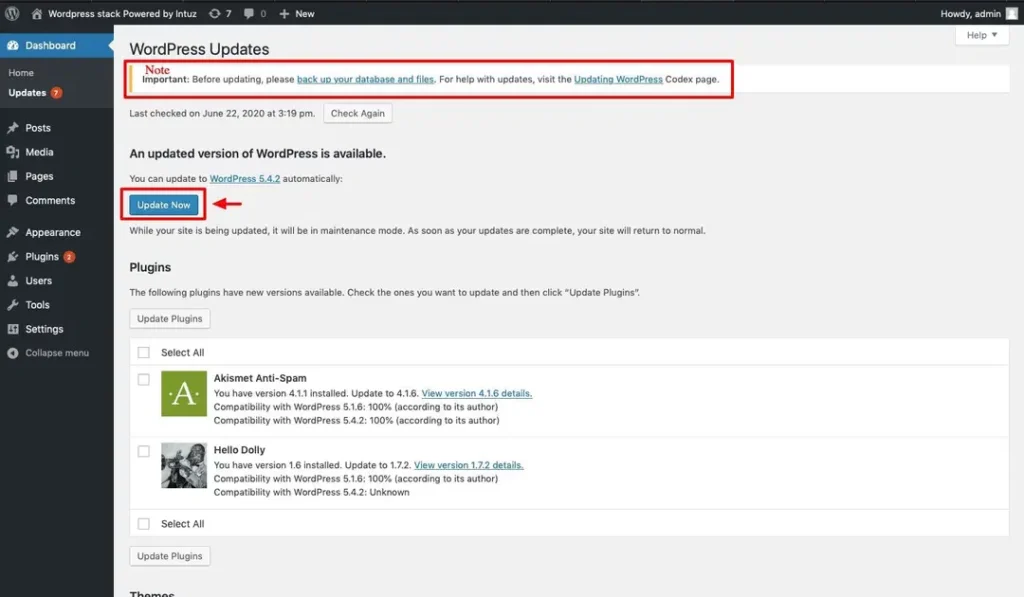
2. Before you start the update, please back up your data. For steps of Backup Database click on Backup Database
3. Once the database backup is done, click on the Update Now button
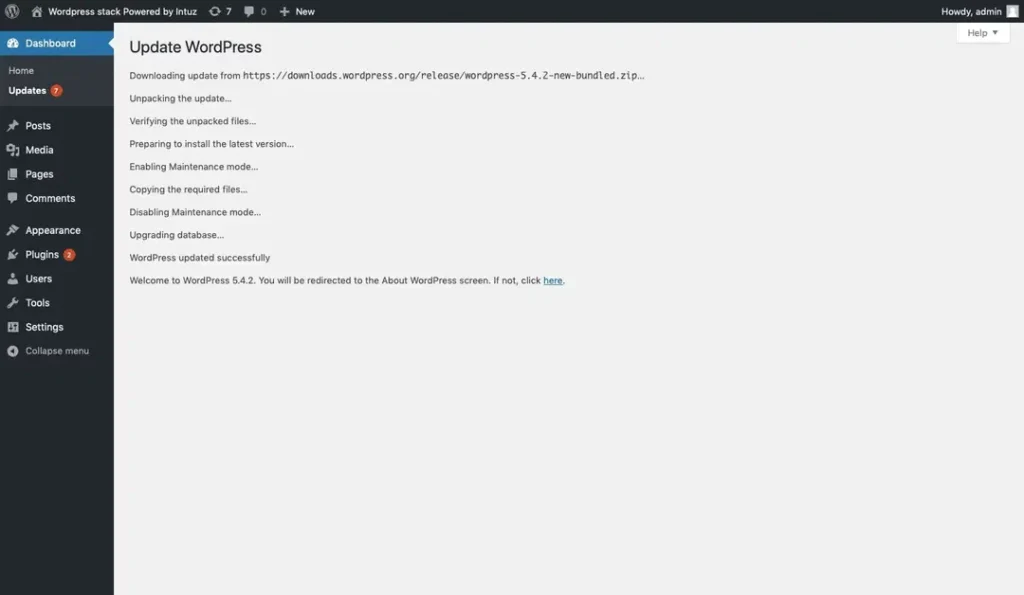
4. Now you can see the update process running.
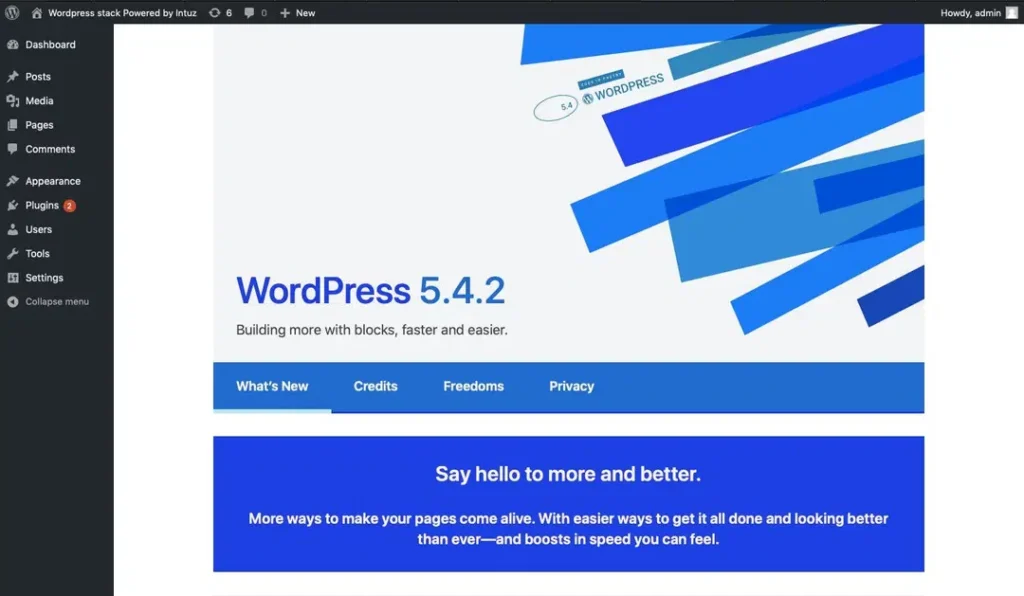
5. As shown in the image, WordPress is updated with the latest version